The platform
A fertility data platform, in three layers.
A semantic core that ingests every system, a cockpit for full visibility, and a catalogue of workflows that act on the data. Connectors bring systems in; workflows act across them.
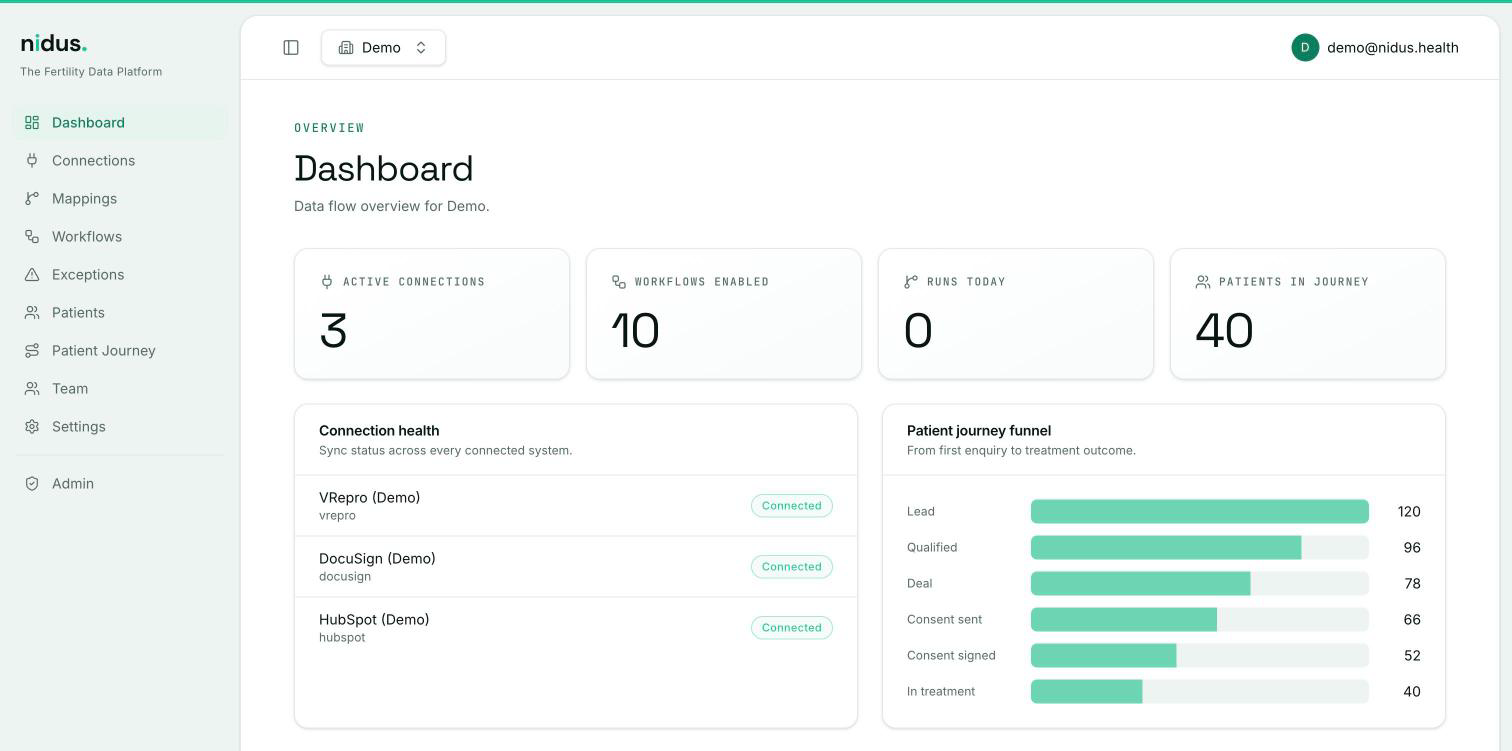
nidus core
Connectors + fertility data model.
nidus cockpit
Visibility, analytics and control.
nidus workflows
Cross-system automation catalogue.
nidus core
A fertility-specific data model
Nidus core translates fragmented clinic data into mapped concepts that can be reused across systems and workflows, with a governance layer for data quality, validation, traceability and security by organisation.
Core fertility entities
Person
Individual info: demographics, contacts, consent
Partner
Relationship & role in the fertility journey
Patient Unit (Couple)
The fertility unit; clinical & operational centre
Cycle
IVF / ICSI / IUI / FET / donor cycles and attempts
Episode
A clinical episode within a cycle
Embryo
Embryo lifecycle: creation → transfer / cryo / disposition
Supporting entities
Cross-cutting & governance
Connectors and synchronisation
Two-way synchronisation, with rules per field
- →The same person identified across all systems
- →Rules that set which system is the reference for each piece of data
- →Traceable conflict resolution, with no accidental overwrites
- Contact phoneCRM
- Cycle statusClinical record (EMR)
- Signed consentE-signature
Example of reference rules. They are defined once and applied in every synchronisation.
nidus cockpit
Complete visibility across clinic data and workflows.
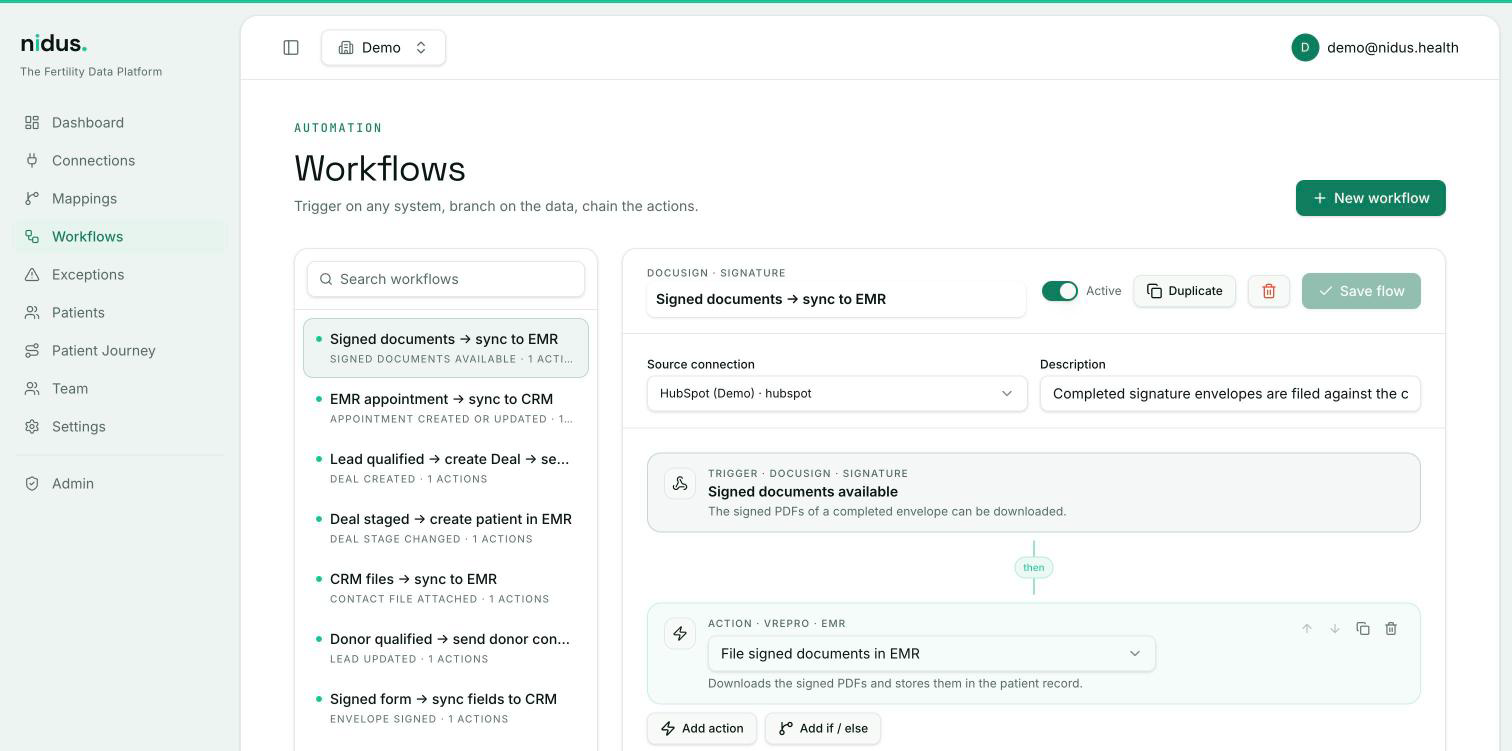
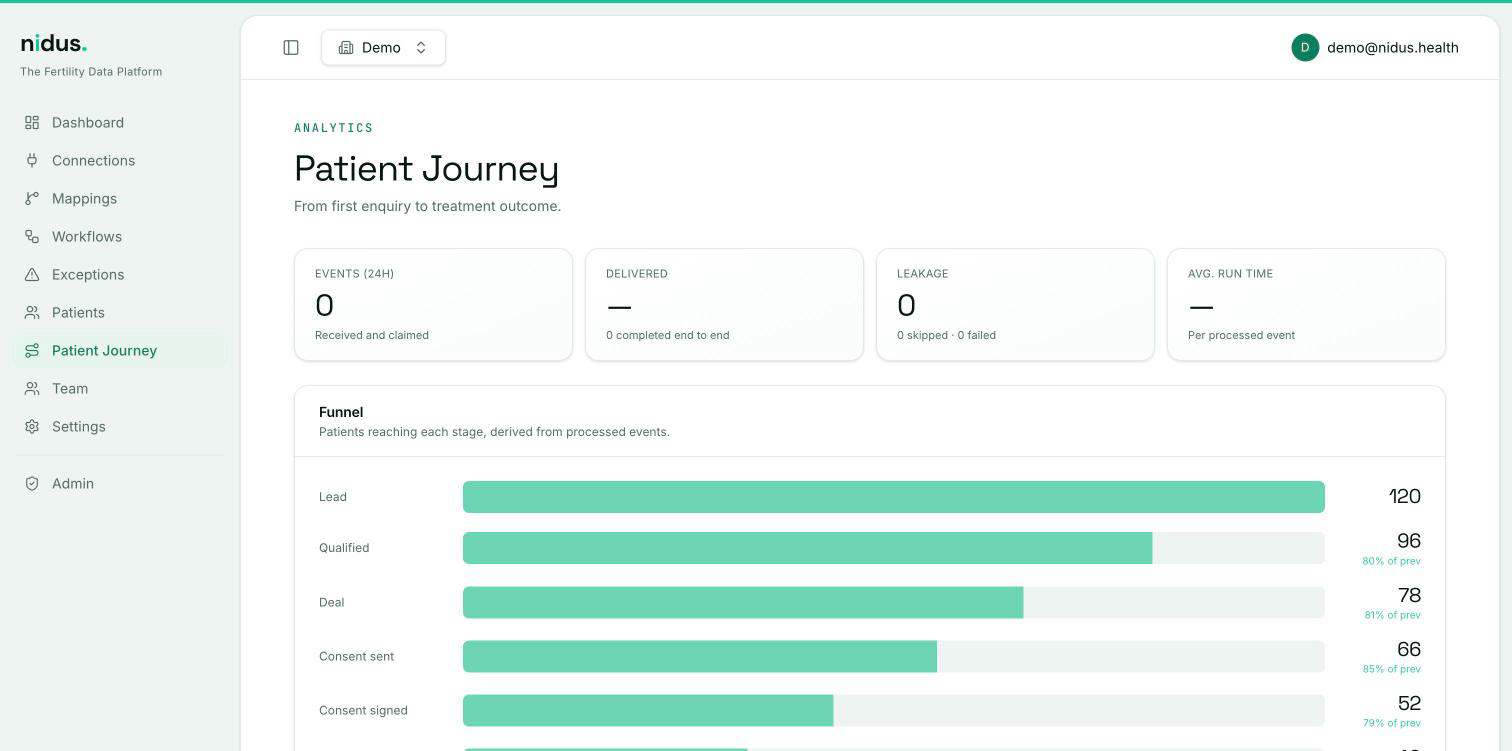
One interface for the clinic or the whole group: connection status, the patient journey, analytics and workflow control.
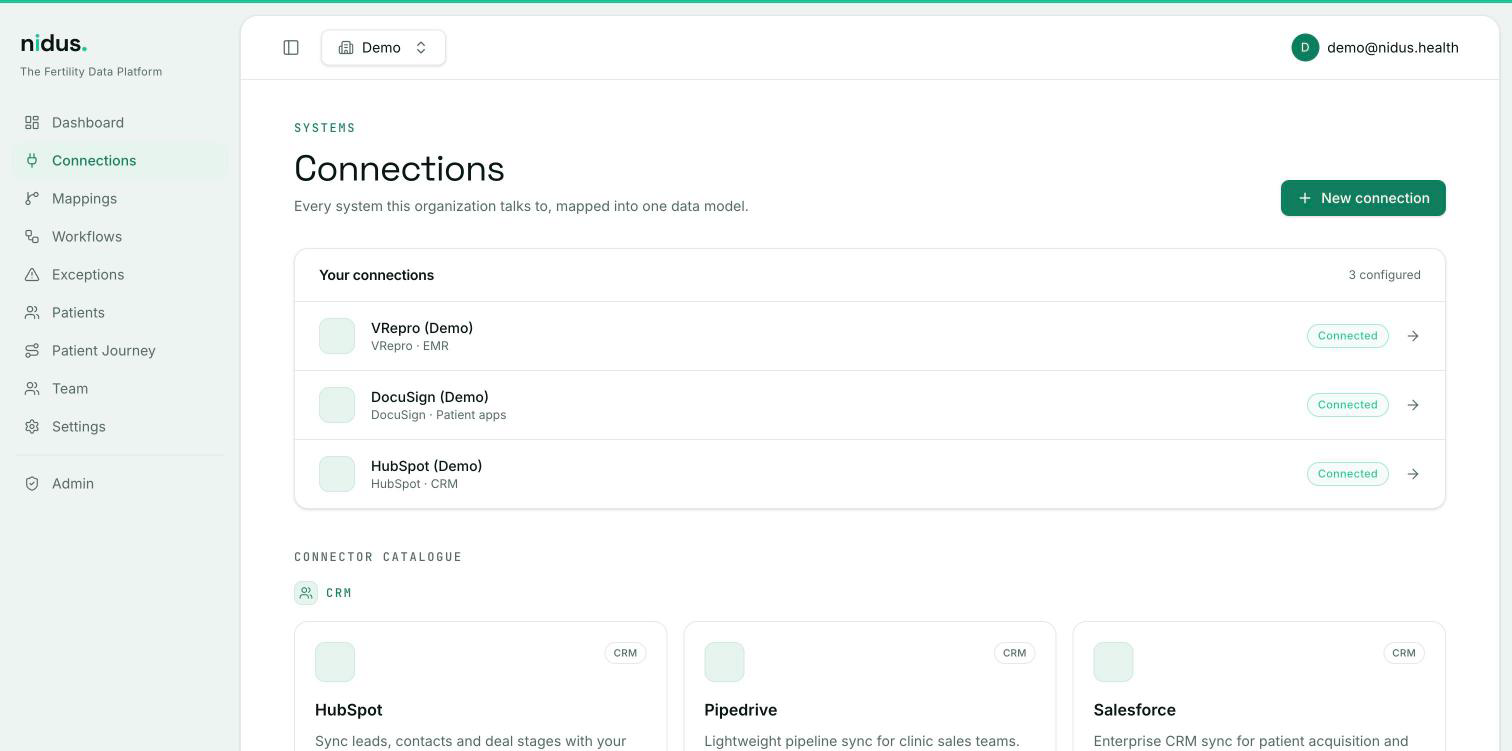
- Status overview
- A quick view of connection status: systems connected, live workflows and health.
- Patient journey
- The full journey, with the option to examine any phase for statistics or quality.
- Analytics
- Analytics configured with natural-language prompts.
- Workflow control
- Workflows are activated, paused or modified, and new ones are added from the Nidus catalogue.
- Workflow creator
- Custom workflows built in a no-code environment.
nidus workflows
Automations that act on the data.
A workflow watches for a signal in one system, applies a Nidus rule, and takes action in another. Workflows are organised into families that make up the Nidus workflow catalogue.
If, System A
Event · Condition · Context
Signals originate in one system as new data appears.
Nidus rule
Evaluate · Prioritise · Route
The rule decides what matters and where it goes.
Then, System B
Assign · Alert · Queue · SLA · Update
The event impacts one or many other systems.
Quality, conversion and retention
Consent, follow-ups and patient-journey workflows.
Operational efficiency
Billing, cryo and BI workflows that remove duplicate work.
Full ecosystem
Procurement, e-witnessing and clinical-AI integrations.
Service operation
Synchronisation operated and monitored by Nidus
Maintaining the integrations does not fall to the clinic's technical team.
Automatic retries
If an external system does not respond, the operation is repeated. No record is discarded without notice.
Historical load and continuous updates
Initial load of historical data, followed by near-real-time updates.
Activity log
Every run is recorded and can be consulted, without exposing personal data.
Access for AI assistants
The integrated data can be queried from AI assistants, with each organisation's permissions.
See Nidus in operation
Book a full demo of the platform: the data model, the cockpit, the workflows and the integration process.